
Freight forwarding runs on precision, but one of the biggest slowdowns isn’t in operations, it’s in disconnected financial workflows.
Sales teams close deals in Salesforce, while finance teams generate invoices in QuickBooks. Between these systems, time is lost. Invoices get delayed, data is duplicated, and finance teams spend hours fixing mismatches.
For freight forwarders managing complex pricing and high shipment volumes, this gap becomes even more critical. That’s why more businesses are moving toward end-to-end integration, where sales, operations, and finance work as one smooth process instead of disconnected functions, ensuring faster billing, real-time visibility, and complete financial control.
What is QuickBooks and Why is it Critical for Freight Accounting?
QuickBooks is a widely used accounting platform that helps businesses manage financial processes such as invoicing, expense tracking, accounts receivable, and reporting. In freight forwarding, it plays a central role in handling billing accuracy across shipments that often involve multiple charges and cost layers.
Every shipment can include freight costs, handling charges, customs duties, and service fees. Managing this manually increases the risk of errors, especially when financial data is entered separately from operational systems.
QuickBooks simplifies this by offering:
- Centralized financial tracking for all transactions
- Real-time visibility into receivables and payables
- Accurate reporting for shipment-level profitability
- Structured invoicing aligned with service delivery
However, QuickBooks becomes far more powerful when it receives real-time data from operational systems instead of delayed or manually entered information.
What is Salesforce and How does it Drive Freight Operations?
Salesforce is the system where freight forwarders manage customer relationships, track sales pipelines, and capture operational commitments. It acts as the starting point of the revenue cycle, where deals are created, negotiated, and closed.
In logistics environments, Salesforce holds critical business data such as customer contracts, pricing agreements, shipment requirements, and service terms. When a deal is marked as closed, it represents more than just a sales milestone, it triggers the need for billing and financial processing.
Without integration, this transition from sales to finance creates a gap. Finance teams may not receive the data immediately, leading to delays in invoicing and reduced cash flow visibility.
What is Salesforce and QuickBooks Integration and How does it Work?
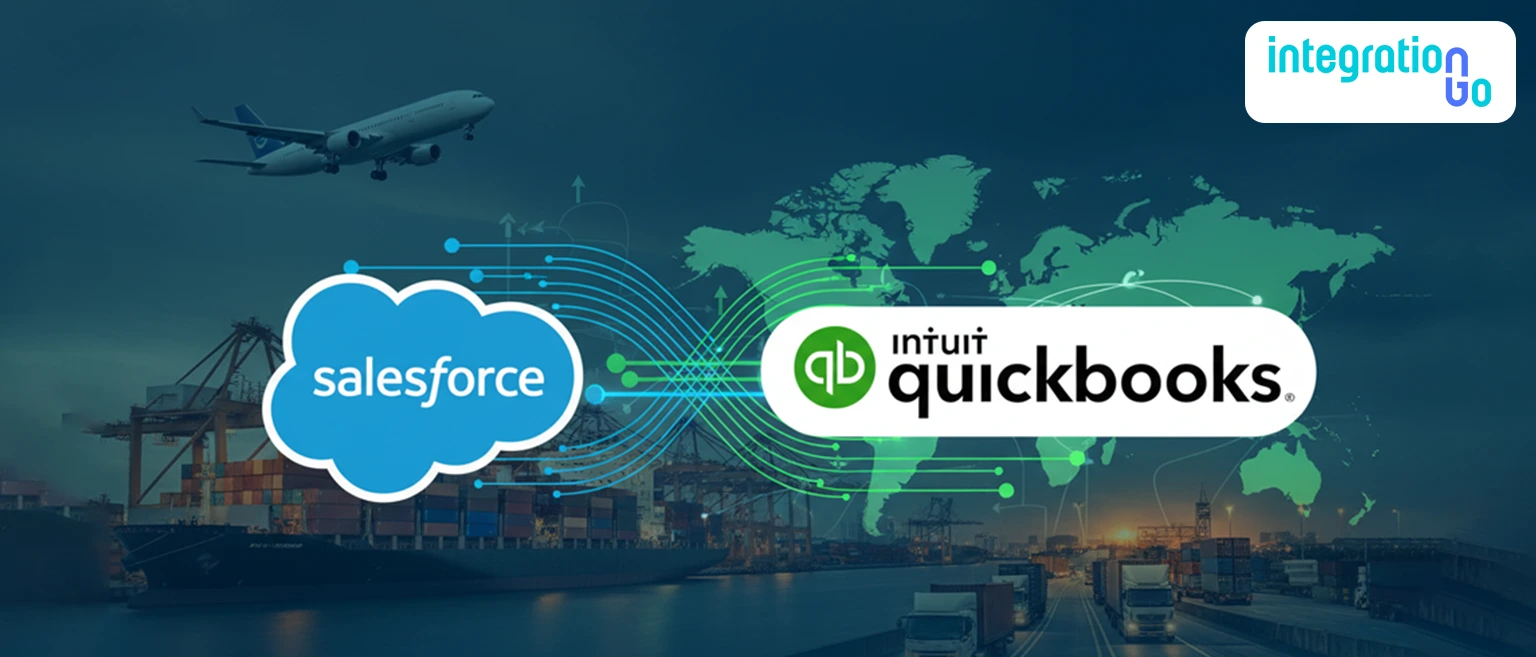
Salesforce and QuickBooks integration connect the CRM and accounting system so that data flows automatically between them. Instead of manually transferring information, systems communicate in real time, ensuring consistency across operations and finance.
When QuickBooks Salesforce integration is implemented effectively, a sales action triggers a financial outcome without delay. For example, when a deal is marked as “Closed Won” in Salesforce, an invoice can be automatically generated in QuickBooks, eliminating manual intervention.
At the same time, updates from QuickBooks, such as payment status or outstanding balances, are reflected back in Salesforce, allowing sales teams to stay informed about customer financials.
This creates a continuous workflow where sales and finance operate from a shared source of truth.
What Data Flows Between Salesforce and QuickBooks in Freight Workflows?
In freight forwarding, data synchronization involves more than just basic customer details. It integrates operational and financial data across the entire shipment lifecycle.
Key data flows typically include:
- Customer accounts and contact details
- Sales opportunities and confirmed bookings
- Invoice creation and payment tracking
- Shipment-related billing components
- Revenue and financial reporting data
When businesses integrate QuickBooks and Salesforce, these data flows ensure that every shipment-related transaction is reflected accurately in both systems, reducing delays and improving transparency.
What is QuickBooks API Integration and Why does it Matter?
QuickBooks API integration enables systems like Salesforce to connect directly with QuickBooks through a secure and structured interface. It allows real-time data exchange without requiring manual uploads or file-based transfers.
Using quickbooks api integration, businesses can automate workflows such as invoice creation, payment updates, and financial reporting. The API acts as a bridge that ensures data flows instantly between systems, maintaining accuracy and consistency.
With quickbooks api, freight forwarders gain the ability to scale their operations without increasing manual workload. It supports:
- Real-time invoice generation based on sales data
- Automated synchronization of payment status
- Secure and reliable data transfer across systems
This level of automation is essential in logistics environments where timing and accuracy directly impact cash flow.
What Challenges do Freight Forwarders Face Without Integration?
When systems operate independently, the disconnect between sales and finance becomes a daily challenge. Sales teams close deals, but finance teams often wait for updates, leading to delays in invoicing.
Manual data entry increases the risk of errors, while inconsistent data creates confusion across departments. Over time, these inefficiencies affect operational performance and financial outcomes.
Common challenges include:
- Delayed billing cycles and slower cash flow
- Duplicate or incorrect invoice entries
- Lack of visibility into customer payment status
- Increased workload for finance and operations teams
- Misalignment between sales and accounting processes
These issues are not just operational, they directly impact profitability and customer satisfaction.
What Benefits do Freight Forwarders Gain from Integration?
When Salesforce and QuickBooks are integrated, freight forwarders start to feel the difference almost immediately. The shift isn’t just technical, it changes how teams work together across sales, operations, and finance.
Instead of waiting for updates or manually transferring data, information moves automatically between systems. A deal closed in Salesforce triggers billing in QuickBooks without delay, and payment updates flow back into the CRM, giving sales teams full visibility into customer financial status.
Beyond speed and automation, integration brings consistency. Every shipment-related charge, every invoice, and every financial record aligns with operational data, reducing the risk of discrepancies that often lead to disputes or delays.
Over time, this creates measurable improvements:
- Faster invoice generation and reduced billing cycle time
- Stronger cash flow due to quicker payment processing
- Reduced manual workload across finance and operations teams
- Improved data accuracy across systems
- Better customer experience through timely and accurate billing
Most importantly, integration allows teams to focus on decision-making rather than data correction, which directly impacts business growth.
What Role does Integration Play in Scaling Freight Operations?
As freight businesses grow, the number of shipments, customers, and financial transactions increases significantly. Without integration, this growth often leads to operational bottlenecks, increased manual effort, and higher chances of errors.
Integration acts as the foundation that allows businesses to scale without losing control over their processes. It ensures that systems can handle increased volume while maintaining accuracy and efficiency.
With integration in place, freight forwarders can:
- Handle higher shipment volumes without increasing administrative workload
- Maintain consistent billing and accounting processes across all transactions
- Reduce dependency on manual data entry as operations expand
- Ensure real-time financial visibility even as transaction complexity grows
- Support multi-branch or multi-location operations with synchronized data
This scalability is critical in logistics, where growth often comes with increased operational complexity. Integration ensures that systems grow with the business rather than slowing it down.
What Should Freight Forwarders Consider Before Implementing Integration?
Before implementing integration, freight forwarders need to take a structured approach to ensure that systems align with real business workflows.
Integration is not just about connecting two platforms, it’s about ensuring that data flows correctly, consistently, and in a way that supports operational efficiency.
Key considerations include:
- Defining which data needs to flow between Salesforce and QuickBooks
- Identifying which system acts as the source of truth for specific data
- Ensuring data quality by cleaning and standardizing records before integration
- Selecting the right integration approach based on scalability and business needs
- Planning for user adoption by training teams on new workflows
Taking the time to address these factors ensures that integration delivers long-term value rather than creating new challenges.
What Role Does IntegrationGo Play in Enabling Salesforce and QuickBooks Integration?
IntegrationGo acts as the intermediary layer that integrates Salesforce and QuickBooks in a structured and scalable way, ensuring that data flows smoothly across systems without disrupting existing workflows.
Instead of relying on direct system connections that can become complex and difficult to manage, IntegrationGo handles the integration process through a controlled data flow mechanism that reflects real business operations.
The integration process typically follows a structured workflow:
- Data Capture from Salesforce
When a deal is closed or updated in Salesforce, key data such as customer details, pricing, and shipment information is captured automatically through APIs. - Data Mapping and Transformation
IntegrationGo maps Salesforce data fields to QuickBooks formats, ensuring that invoice data, tax details, and financial records are correctly structured. - Automated Invoice Creation in QuickBooks
Based on the mapped data, invoices are generated automatically in QuickBooks without manual entry. - Payment Status Synchronization
Updates from QuickBooks, such as payment confirmations or outstanding balances, are sent back to Salesforce in real time. - Validation and Error Handling
Built-in validation ensures that incorrect or incomplete data is flagged before it affects billing or reporting. - Continuous Monitoring and Optimization
IntegrationGo monitors data flows to ensure accuracy, performance, and scalability as business volume increases.
Through this process, IntegrationGo ensures that Salesforce and QuickBooks operate as a unified system rather than separate tools, enabling smoother workflows and better financial control.
Conclusion
Integrating Salesforce with QuickBooks transforms billing and accounting from a disconnected process into a simplified, real-time workflow that aligns sales, finance, and operations across freight businesses. Contact us today to explore how integration can simplify your billing processes, improve financial visibility, and support your business growth with greater accuracy and speed.