
Many businesses struggle to keep their financial data aligned with daily operations. When accounting platforms and operational systems run in isolation, teams end up doing manual reconciliations, chasing spreadsheet mismatches, and spending hours correcting avoidable errors.
Sage 50 remains a widely used accounting system for small businesses, but it is not designed to function as a standalone operational platform. Instead, its real value emerges when it is integrated into a full ERP or logistics system, ensuring consistent data flow between finance and operations.
Let's look at what Sage 50 actually offers, why integrating it with an ERP matters, and how a proper integration simplifies financial processes across transport, logistics, and supply chain workflows.
Understanding Sage 50 Accounting Software
Sage 50 is an accounting software for small businesses with in-house bookkeepers who need to simplify basic admin and processes like everyday invoicing and financial management, alongside more complex business accounting
Key Capabilities of Sage 50
- Automated Financial Management: Simplifies AP, AR, and general ledger functions with real-time posting.
- Basic Inventory Tracking: Helps monitor stock quantities and costs for financial reporting but is not designed for complex logistics or warehouse operations.
- Job Costing and Budgeting: Tracks project profitability and expense allocation.
- Data-Driven Insights: Generates clear reports and dashboards for faster, smarter decisions.
While Sage 50 is powerful on its own, it becomes even more valuable when integrated with your ERP. Integration eliminates redundant data entry, integrates accounting and operations, and gives your entire organization a shared view of financial health.
Why Integrating Sage 50 with Your ERP Matters?
Running Sage 50 and your ERP as separate systems might seem manageable at first, but it quickly becomes an obstacle as your operations grow. The real issue isn’t that Sage 50 runs independently, it’s that critical financial and operational data often fail to move automatically between the two.
When integrated properly, Sage 50 and your ERP system complement each other. Sage 50 remains the trusted financial engine, while your ERP drives operational efficiency. Together, they deliver a single, connected workflow where data flows smoothly across departments without manual re-entry.
Here’s why this integration matters for logistics-driven businesses:
- Aligned Financial and Operational Data: Invoices, payments, and purchase orders sync automatically between systems, eliminating manual uploads and rework.
- Accurate Accounting: Automated data transfer removes the risk of mismatched ledgers or delayed entries, ensuring your books stay precise.
- Faster Decision-Making: Real-time visibility into both operational and financial data enables proactive decisions, not reactive corrections.
- Improved Cost Control: With integrated data, companies can identify overhead leakages, track true shipment profitability, and protect margins.
- Simplified Compliance: Automatic tax mapping and audit trails support accurate multi-region reporting and faster financial close cycles.
Sage 50–ERP integration isn’t about replacing systems. It’s about connecting them to function as one. When done right, it transforms finance from a back-office function into a proactive business enabler that helps leadership make faster, smarter, and more data-driven decisions.
Integrate Sage 50 with Your ERP?
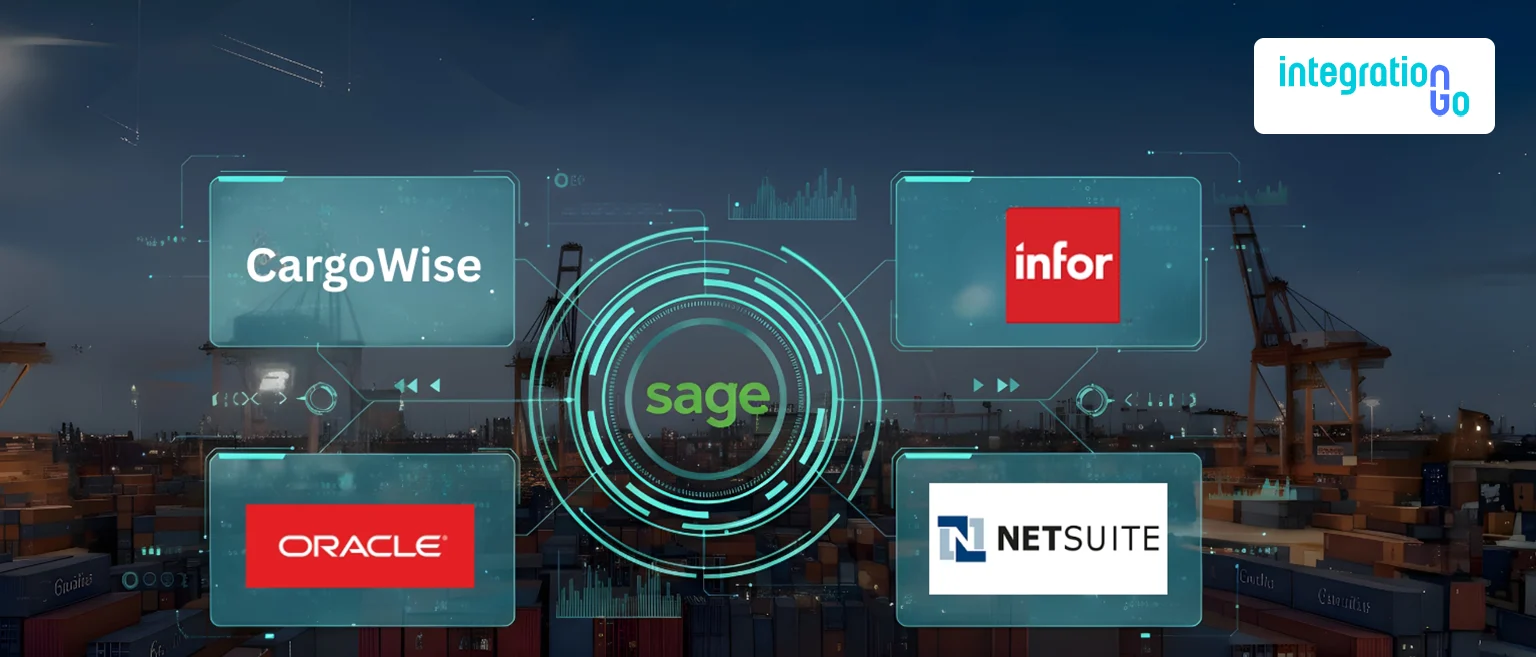
A smooth integration isn’t just about integrating two systems ,it’s about building a reliable, automated communication layer that ensures accuracy without interrupting daily work. Whether your business runs on CargoWise, Infor, NetSuite, or Oracle, it can integrate smoothly to keep financial and operational data aligned.
Here’s how integration typically works when managed by experts like IntegrationGo:
- Project Planning
Define goals, scope, and timelines. Identify which financial modules, invoices, journals, and payments will integrate with your ERP. - Requirement Analysis
Technical and business teams collaborate to determine what data needs to flow between Sage 50 and your ERP. This ensures structural consistency and avoids mapping errors. - Environment Setup
All of the required systems, web servers, AS2 connections, and ERP configurations are ready for integration. All systems are configured for a real-time API integration. - Development and Data Mapping
Build adapters or APIs to automate data transfer. Map key fields like invoice IDs, GL codes, and vendor details between systems. - Integration Testing
Validate every data flow, ensuring journal entries, payments, and invoices post accurately with no duplication or delays. - Deployment
Go live in phases, beginning with a test environment before full deployment. This minimizes risks and keeps your teams productive. - Documentation and Training
Provide comprehensive documentation, including architecture diagrams, setup references, and user training, so your teams can manage the system confidently.
When handled professionally, integration reduces manual work, speeds up closing cycles, and increases data accuracy from day one.
Common Challenges During Integration
Integrating Sage 50 with your ERP system is a major step toward digital transformation, but it comes with a few challenges that require careful planning.
One of the most frequent issues is data mapping conflicts, where different systems use varying field names or formats. This can lead to mismatched or incomplete data if not properly standardized before integration.
Another challenge involves API limitations or legacy platforms that may not support modern frameworks, requiring specialized middleware to enable smooth data flow. User adaptation also plays a role, teams transitioning from manual entry to automated workflows need proper training and support.
Security and compliance are equally crucial. Since sensitive financial information moves between systems, encryption and role-based access are essential for protection. Finally, organizations may face temporary adjustments to their reporting or approval processes during the transition phase.
With a structured approach and expert support from IntegrationGo, these hurdles are easy to overcome. Secure protocols, automated testing, and clear communication ensure the integration stays both efficient and compliant.
Sage 50–ERP Integration Simplifies Operations?
When Sage 50 and your ERP system work together, financial management becomes faster, cleaner, and more collaborative. Manual tasks like data re-entry or reconciliation disappear as invoices, journals, and payments update automatically in both systems. This not only eliminates human error but also shortens billing cycles significantly, freight or vendor invoices generated in your ERP instantly reflect in Sage 50.
Integration also improves forecasting and reporting. Since financial and operational data now align in real time, your leadership team gains complete visibility into cash flow, expenses, and revenue. Decision-makers can identify trends early and act proactively instead of reactively.
Collaboration across departments becomes smoother, too. Finance, operations, and management teams share a unified data view, making communication faster and decision-making more coordinated. Every transaction leaves a traceable audit trail, simplifying compliance checks and ensuring accountability.
For businesses that use Sage integrations with other ERPs, the benefits are very real, including tighter cost control, more accurate receivables, and increased transparency throughout freight operations. Accounting transforms from a manual process to a strategic asset that drives business growth.
Conclusion
Modern businesses don’t just need software that performs, they need systems that perform together. Integrating Sage 50 Accounting Software with your ERP bridges the gap between finance and operations, combining the precision of accounting with the agility of automation.
This connection offers what every growing company needs: real-time financial insight, faster billing, improved accuracy, and smarter decision-making.
IntegrationGo helps Logistics businesses implement and optimize ERP integrations with end-to-end planning, development, testing, and support.
Book a free consultation today to discover how connected finance can drive efficiency, accuracy, and sustainable growth across your organization.