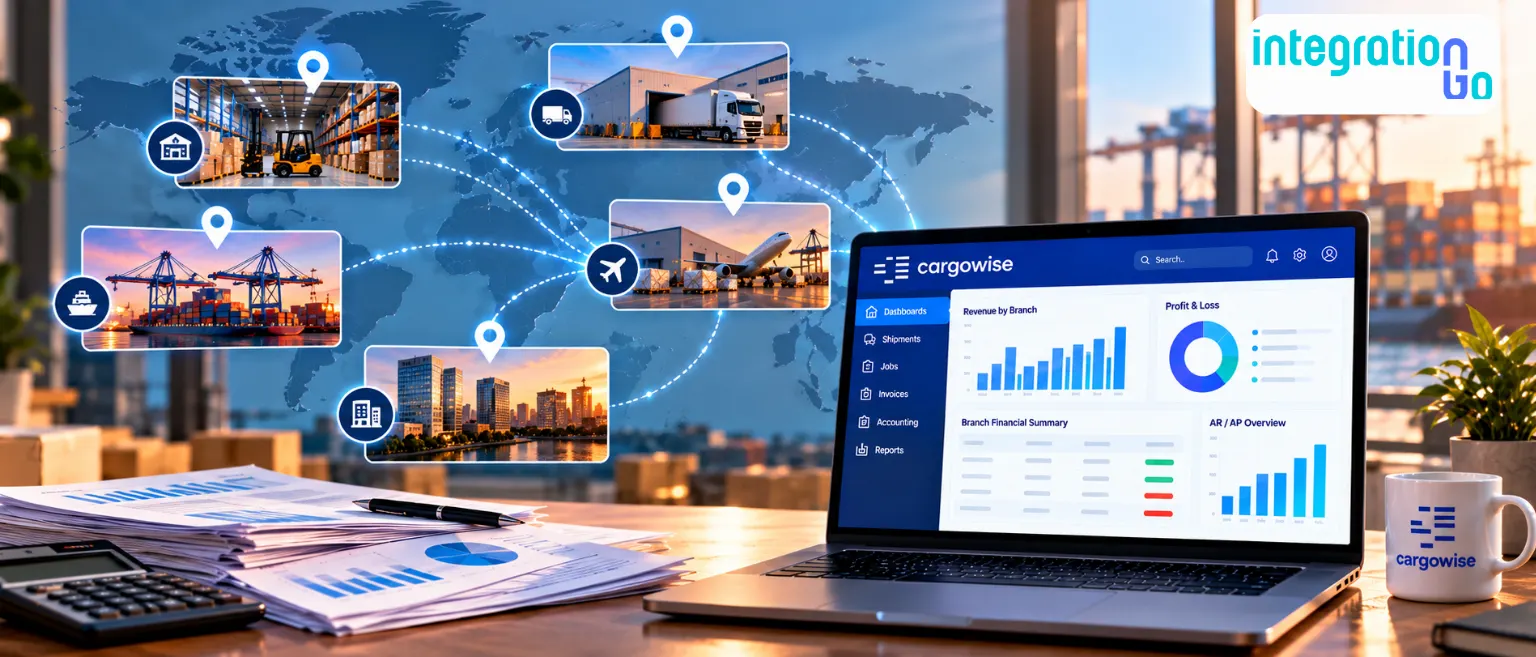

Imagine managing multiple logistics branches, each handling its own invoices, shipment costs, and financial transactions. When it’s time to prepare a company-wide report, your finance team may spend hours collecting data, checking discrepancies, and combining records.
CargoWise integration can help connect financial data across branches, making it easier to consolidate invoices, reconcile transactions, and get a clearer view of your company’s financial performance. Let’s look at how it works and how it can support your financial workflows.
What Makes Financial Reporting Difficult Across Multiple Logistics Branches?
Each branch may handle different customers, shipments, and operating expenses. Bringing all that information together can be challenging when financial data isn't consistently mapped or readily available.
Common challenges include:
- Scattered financial data: Branch transactions need to be collected and combined before reporting.
- Inconsistent account mapping: Different codes and organizational settings can complicate reporting.
- Manual reconciliation: Finance teams spend time checking invoices, payments, and ledger entries.
- Duplicate transactions: Repeated data transfers can create duplicate records without proper checks.
- Delayed reporting: Missing information and unresolved errors can hold up consolidated reports.
These challenges make it harder to get a clear picture of revenue, costs, and outstanding balances across your business. Connecting your financial workflows can help reduce these gaps.
How can CargoWise Integration Bring Branch Financial Data Together?
The goal isn't just to move data between systems. It's to ensure each transaction reaches the right destination with the information your finance team needs.
CargoWise supports logistics accounting activities such as job costing, accounts payable, accounts receivable, and general ledger management. If your business also uses an external financial or reporting system, integration can connect the relevant information between them.
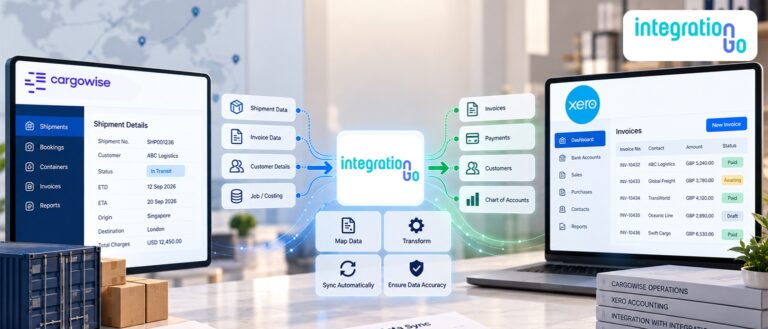
A typical workflow looks like this:
Branch transactions in CargoWise
Invoices, job costs, revenue, and financial entries
Middleware: Mapping and validation
Check records, map fields, and apply business rules.
Connected financial system
Receive the required financial transactions
Consolidated reporting
Review financial performance across branches.
For example, your company may need to transfer invoice and job-cost data from several branches into an external financial platform. Middleware can prepare the data, apply the agreed rules, and send the relevant transactions to the receiving system.
The exact workflow depends on your systems, data requirements, and reporting needs.
How does Middleware Connect CargoWise with Your Financial System?
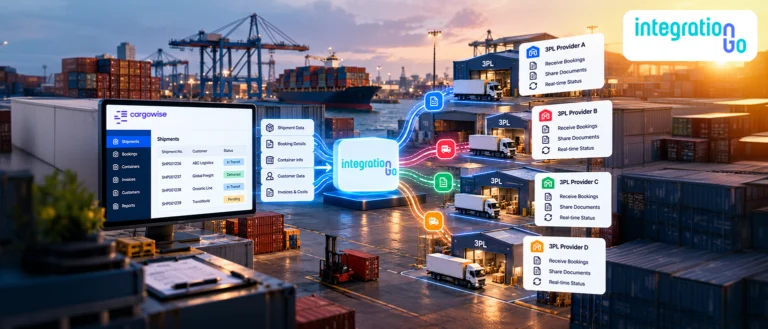
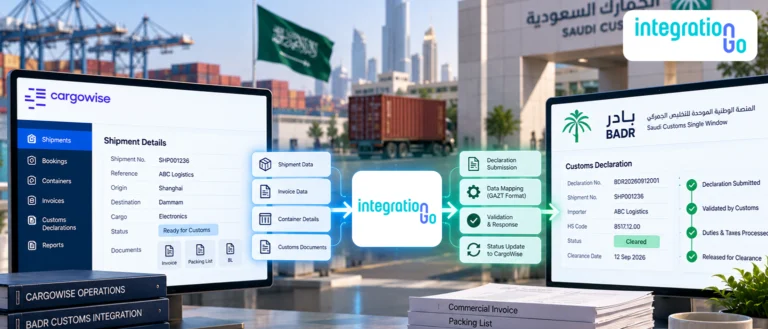
When multiple branches generate financial transactions, the challenge is getting that information into the right system in a consistent format.
Middleware sits between CargoWise and the connected financial system to manage the exchange. Depending on the setup, it can receive financial data through a configured CargoWise interface or batch transfer, map branch and general ledger details, validate records, and send the processed data to the receiving system.
The connection may use an API/EDI or a file-based transfer, depending on what the connected systems support.
- API integration: Middleware sends financial data through the receiving system's API and processes its response.
- EDI integration: Systems exchange structured financial transactions when the required EDI standards are supported.
- File-based transfer: Financial records can be exchanged in batches when that approach fits the workflow.
For example, if your finance team needs invoice data from several branches in an external accounting platform, middleware can map the required fields, check for duplicate records, and transfer the transactions. Responses from the receiving system can then help identify records that need attention.
The key is to choose the connection method that fits your financial workflow, not to use every integration method by default.
How can Branch-Level Data Mapping Improve Reporting Accuracy?
Before financial information can be consolidated, it needs to be mapped correctly. Branches may use different organizational identifiers or account codes, so transactions must be assigned to the appropriate company, branch, and general ledger account.
For example, your Dallas and Seattle branches may record similar shipment expenses under different account codes. Mapping rules can help categorize these transactions consistently while preserving their branch-level details.
Key considerations include:
- Branch and company identifiers: Keep each transaction linked to the correct entity.
- General ledger accounts: Map transactions to the appropriate accounts.
- Currencies and reporting periods: Apply the relevant accounting and reporting rules.
- Transaction references: Preserve invoice numbers and job references for reconciliation.
Your finance team should define these rules before implementation. This helps ensure that transactions are classified correctly and that consolidated reports reflect your intended accounting treatment.
Can Invoice Consolidation Make Multi-Branch Billing Easier?
Yes, when your business rules and financial systems support it.
Some logistics companies need invoices to remain separate by branch or legal entity. Others may want to consolidate eligible invoices for the same customer or billing arrangement.
For example, a customer receiving services from two branches may prefer one invoice for eligible charges instead of several separate invoices. An integration can help transfer invoice data and apply configured grouping rules within the agreed billing workflow.
Before implementing invoice consolidation, consider:
- Which invoices are eligible to be combined.
- Whether they belong to the same customer and legal entity.
- How taxes, currencies, and billing periods should be handled.
- How credit notes, adjustments, and exceptions will be processed.
- How the consolidated invoice will retain references to the original transactions.
The goal is to consolidate invoices according to your billing rules, not simply combine every invoice from every branch.
This approach helps maintain traceability and makes it easier for your finance team to review charges or investigate discrepancies later.
How can Integration Help With Reconciliation and Reporting Delays?
Transferring financial data is only part of the process. Your team also needs to know whether transactions were accepted and which records require attention.
A connected workflow can be configured to:
- Check for duplicate transaction references.
- Validate required fields and account mappings.
- Capture success or failure responses from the receiving system.
- Flag transactions that need correction or review.
- Track processing status to support reconciliation.
For example, if a transaction fails because an account mapping is missing, the integration can flag the issue so the responsible team can review and correct it.
These checks won't eliminate every accounting error, but they can help your team identify problems sooner and investigate discrepancies more efficiently.
What should You Plan Before Connecting Multiple Branches?
Before implementing an integration, review how your branches manage financial transactions today. A clear plan helps ensure the connection supports your actual workflows.
Consider these questions:
- Which data needs to move? Identify invoices, credit notes, payments, journal entries, and other required records.
- Where should the data go? Define the receiving financial or reporting system.
- How should branches be identified? Establish consistent company, branch, and account mapping.
- What needs to be consolidated? Document invoice grouping and reporting rules.
- How will errors be handled? Assign responsibility for reviewing failed transactions and corrections.
- How will the integration be tested? Test missing fields, duplicate records, and branch-specific exceptions before launch.
It's also worth deciding how frequently data should move. Some businesses need frequent updates, while others can work with scheduled batch transfers. The right approach depends on reporting deadlines, transaction volumes, and the capabilities of the connected systems.
How can IntegrationGo Support Your CargoWise Financial Integration?
IntegrationGo acts as the middleware between CargoWise and your external financial systems, managing the exchange of financial data and helping keep connected workflows consistent.
Depending on your requirements and the capabilities of the connected systems, the integration can support:
- Financial data exchange between CargoWise and connected systems.
- Branch and general ledger mapping.
- Invoice and transaction validation.
- Invoice consolidation workflows based on your billing rules.
- Error handling and transaction monitoring.
- Financial reconciliation and reporting processes.
The process starts with understanding how your branches handle invoices, accounts, and reporting. From there, IntegrationGo can design the connection around your accounting rules, data exchange requirements, and operational needs.
The objective is to reduce manual data handling and help your finance team work with more consistent financial information across branches.
Conclusion: Get a Clearer View of Your Branch Finances
Managing finances across multiple logistics branches shouldn't mean spending hours collecting spreadsheets and chasing missing transactions. The right integration can connect financial data, support invoice consolidation, and make reporting and reconciliation easier to manage.
Ready to connect your financial workflows? Contact us about an End to End CargoWise Integration tailored to your business needs. Let's explore how connecting your systems can help your team manage branch-level finances with greater consistency and visibility.