
As logistics businesses expand, so does the technology they depend on. Freight forwarding, warehousing, customs, transportation, finance, and customer service often rely on different software platforms to manage daily operations. While each system performs its own task effectively, they rarely operate as one connected environment. Over time, disconnected applications create delays, duplicate work, inconsistent information, and operational blind spots that affect both productivity and customer satisfaction.
ERP integration helps eliminate these barriers by allowing systems to communicate automatically and share information across the business. But how do you know when your organization has reached the point where integration is no longer a future project but an immediate operational need?
What is ERP Integration and Why does it Matter in Logistics?
ERP integration connects your logistics ERP with the other business applications that support daily operations. Instead of treating every platform as a separate source of information, integration allows shipment data, warehouse updates, financial transactions, customs activities, customer records, and reporting information to move automatically between systems.
For logistics providers, this creates a connected operational environment where every department works with the same accurate information. Rather than spending time transferring data manually, employees can focus on coordinating shipments, serving customers, and making informed decisions. As shipment volumes grow and supply chains become more complex, connected systems become just as important as connected transportation networks.
Why Growing Logistics Businesses Eventually Outgrow Manual System Connections?
Most logistics companies begin with a simple technology setup. As customer demand increases, new systems are introduced to support warehousing, transportation, finance, customs, reporting, or customer communication. Over time, these systems become essential, but they also create new challenges when they operate independently.
What once required only a few manual updates can quickly become dozens of repetitive tasks every day. Teams spend more time transferring information between systems than managing shipments, while managers struggle to get a complete picture of business performance. This is often the point where ERP integration shifts from being a technology upgrade to becoming an operational necessity.
Sign 1: Your Teams are Re-Entering the Same Shipment Information Every Day
If your employees are repeatedly entering customer details, shipment references, freight charges, or delivery information into multiple systems, valuable time is being spent on work that should already be automated. As shipment volumes increase, repetitive data entry becomes one of the biggest productivity challenges across logistics operations.
Common signs include:
- Shipment details were entered into both the ERP and accounting software.
- Warehouse teams manually update inventory after shipment creation.
- Customer information is copied between multiple business applications.
- Employees are spending more time updating systems than managing operations.
ERP integration eliminates much of this repetitive work by allowing information to move automatically between connected applications.
Sign 2: Different Departments are Working with Different Information
Every department depends on accurate shipment information, but disconnected systems often create different versions of the same data. Operations may update a shipment immediately, while finance continues working with outdated charges, and customer service provides incorrect shipment updates simply because their systems haven't been updated.
You may notice problems such as:
- The finance team is preparing invoices before the final shipment costs are available.
- Customer service is providing outdated shipment statuses.
- Warehouse teams are waiting for manual shipment confirmations.
- Different reports show conflicting operational information.
When systems communicate automatically, every department works with the same accurate data, reducing confusion and improving collaboration.
Sign 3: Manual Processes are Slowing Down Daily Operations
Many logistics businesses still depend on spreadsheets, email attachments, CSV imports, and manual file transfers to move information between systems. While these methods may work for smaller operations, they become increasingly difficult to manage as shipment volumes continue to grow.
You may recognize this challenge if your teams regularly
- Export reports from one system before importing them into another.
- Send spreadsheets between departments to update information.
- Spend hours validating shipment records before billing customers.
- Correct errors caused by duplicate manual entries.
ERP integration replaces these repetitive activities with automated workflows that keep information synchronized across your business.
Sign 4: Reporting Takes Longer than Making Business Decisions
Business decisions depend on timely and accurate information. However, if reports require collecting data from multiple systems before management can understand operational performance, valuable decision-making time is already being lost.
Instead of accessing information immediately, teams often spend hours preparing reports by combining shipment data, financial records, warehouse updates, and customer activity from different applications.
Common reporting challenges include:
- Delayed operational reports.
- Limited visibility across departments.
- Difficulty tracking shipment profitability.
- Time-consuming month-end reporting.
With integrated ERP systems, reporting becomes faster because information is already connected before reports are generated.
Sign 5: Customers Expect Faster Updates than Your Current Systems can Deliver
Customer expectations have changed dramatically over the last few years. They no longer expect updates only when a shipment has been delivered, they want visibility throughout the shipment journey. Whether it's booking confirmation, customs clearance, warehouse processing, or final delivery, customers expect quick and accurate information.
When systems operate independently, customer service teams often spend valuable time searching across different applications before they can answer even simple questions. This not only slows response times but also affects the overall customer experience.
Some common indicators include:
- Customers frequently ask for shipment updates.
- Customer service teams check multiple systems before responding.
- Delays in communicating shipment milestones.
- Inconsistent information is shared with customers.
ERP integration helps create a connected information flow, allowing customer-facing teams to access accurate shipment updates without depending on manual communication between departments.
Sign 6: Business Growth is Increasing Operational Complexity
Growth is always a positive sign, but it also creates new operational challenges. More customers, more shipments, more warehouses, and more trading partners generate significantly more information to manage every day.
Many logistics businesses discover that the systems supporting them during their early growth stages can no longer keep pace with increasing operational demands. Employees begin spending more time coordinating information than handling logistics activities.
You may notice this when:
- Additional staff are hired mainly to manage manual administration.
- New customers require extra manual processes.
- Opening another warehouse creates more system coordination challenges.
- Shipment volumes increase faster than operational efficiency.
ERP integration allows businesses to scale more efficiently by ensuring that connected systems continue sharing information as operations expand.
Sign 7: Your Software Works Well Individually but Not Together
Most logistics companies already own powerful business applications. A logistics ERP manages freight operations, accounting software handles financial activities, warehouse management systems control inventory, customs platforms manage compliance, and CRM applications support customer relationships.
The problem usually isn't the software itself, it's that these applications often work independently.
When systems cannot communicate automatically, employees become responsible for transferring information between them. Every manual update creates another opportunity for delays, duplicate records, and operational inconsistencies.
Clear warning signs include:
- Software produces duplicate customer or shipment records.
- Employees regularly switch between multiple applications.
- Information is manually transferred between departments.
- Teams rely on spreadsheets to fill system gaps.
If your technology has grown but your systems still operate separately, ERP integration becomes the next logical step toward improving operational efficiency.
How does IntegrationGo Help Logistics Businesses integrate their ERP with Other Critical Systems?
Modern logistics businesses depend on a wide range of software to manage freight, warehousing, customs, transportation, finance, and customer communication. While each platform plays an important role, its real value comes from working together.
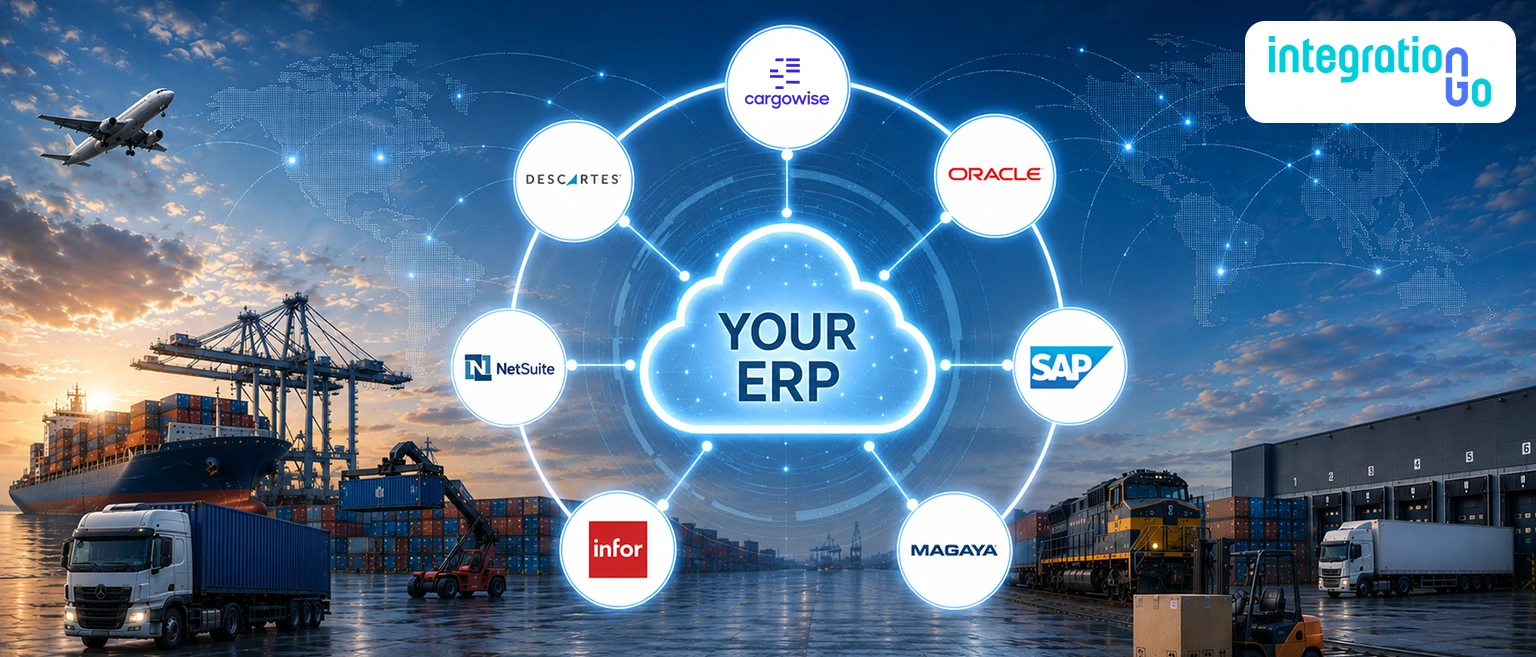
IntegrationGo acts as middleware that connects your logistics ERP to other business applications you already use. Instead of replacing existing software, it creates a secure integration layer that allows information to move automatically between systems, helping every department work with consistent and up-to-date data.
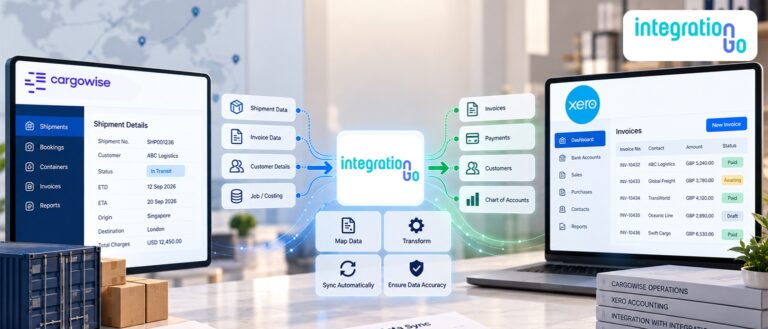
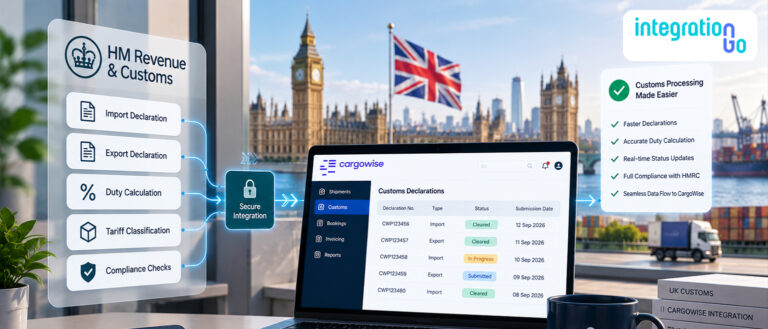
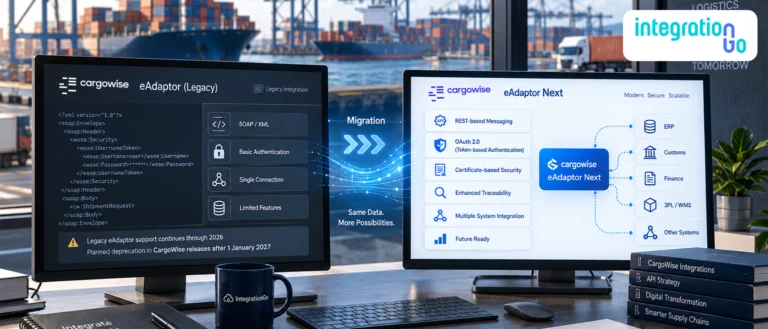
Whether you're connecting CargoWise with accounting software, integrating warehouse management systems, synchronizing customs applications, or exchanging information with transportation platforms and customer portals, IntegrationGo simplifies the process through APIs & EDI, CargoWise eAdaptor, intelligent data mapping, and workflow automation.
The result is a connected logistics ecosystem where shipment information, financial records, warehouse updates, and customer communications stay synchronized, allowing your teams to spend less time managing systems and more time serving customers.
Conclusion: Stronger Logistics Operations Start with Connected Systems
As logistics operations become more complex, disconnected systems can quietly reduce productivity, create unnecessary manual work, and limit business visibility. The seven signs discussed in this blog are often early indicators that your technology has outgrown manual processes.
ERP integration helps eliminate these challenges by creating a connected environment where operational information flows seamlessly across departments and business applications. Instead of relying on spreadsheets, emails, or repeated data entry, logistics businesses can automate information exchange and improve collaboration across every stage of the shipment lifecycle.
With IntegrationGo acting as the middleware between your logistics ERP and other critical business systems, you can build a scalable technology ecosystem that supports better visibility, greater efficiency, and long-term operational growth.
Book a demo today to discover how IntegrationGo can help you connect your logistics ERP with the systems that keep your business moving.